In my new job I've started designing a new web module for an existing application. My first task (apart from reading documentation) is to design all the web interface of the module management.
As I became tired of Visio (is useful but only if you have the proper templates, and offers no interaction), I've used the "Paper Powerpoint Prototyping Toolkit", a PPT template I found some time ago in my RSS feeds. It provides black&white Vista-like controls and some sample windows to prototype GUIs, and "hot zones" (shapes with 90% transparency) to simulate interactions with the placed controls.
The results are quite good and the design is quite fast. I made some changes to speed up Powerpoint's rendering speed (big opaque shapes take long to repaint, so beaing all in black and white I made the windows backgroundless and now repaints quite fast ;)
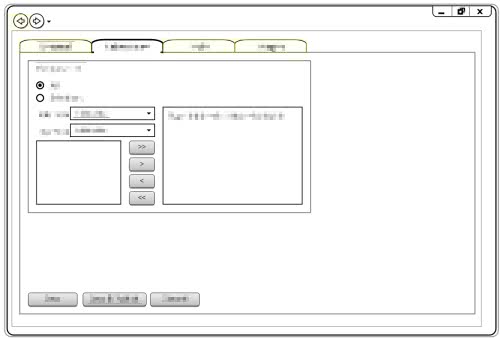
Here is a small sample of the web page prototypes I've built today, complete with interactive buttons and tabs: