When I found a reference earlier today to this interesting KB I thought "wow, maybe I can finally get rid of the UAC prompts on my gaming PC" (I won't remove them from the development PC under any circumnstance), so I've just finished trying it and here are my results.
For this test, I've chosen a free application, Fraps, a screen capture tool compatible with DirectX (great for taking screenshots while you play videogames).
Fraps needs Administrator privileges to be able to capture in-game screenshots, and every time you run it, prompts for UAC elevation (and if you setup it for launching with windows, Vista blocks it and you have to manually allow execution, so it's a bit clumbersome with UAC on).
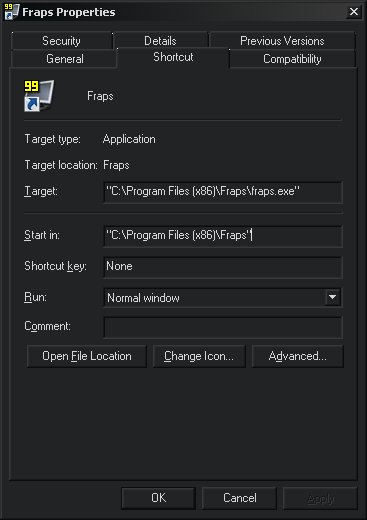
So, we open the shorcut to Fraps properties... (yeah, my colors are very dark, but it's still Vista 64).
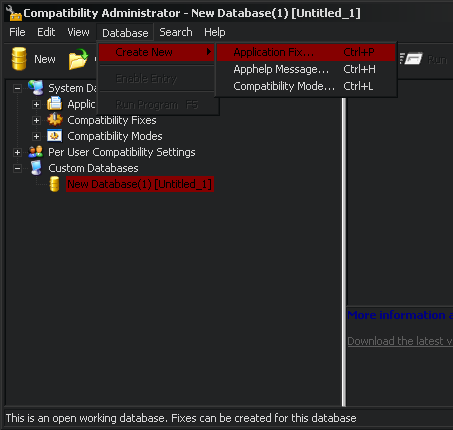
We install the Application Compatibility Toolkit 5, and create a new DB of type Application Fix.
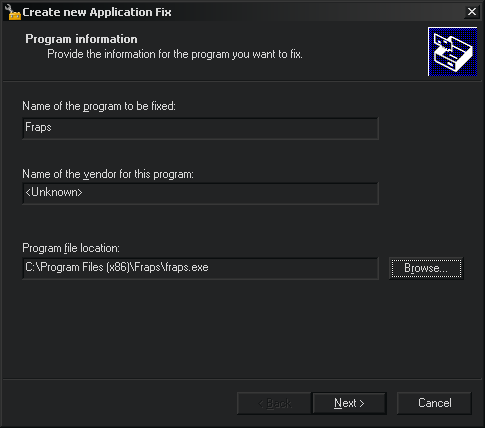
We setup the properties for the Fraps executable.
Note: You must install que Comp. Toolkit on the destination machine because the Compatibility Administrator searches for the executable path ¬¬
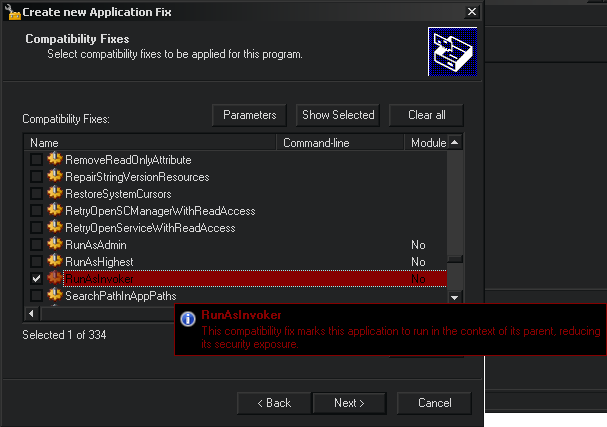
And we choose the "RunAsInvoker" fix.
Note: RunAsInvoker as it's name implies runs with invoker privileges (which if you have UAC on means always as user), RunAsAdmin asks always for elevation, and RunAsHighest will ask for elevation just if the account has administrator privileges.
We save it, and only remains installing it to apply the "fix":
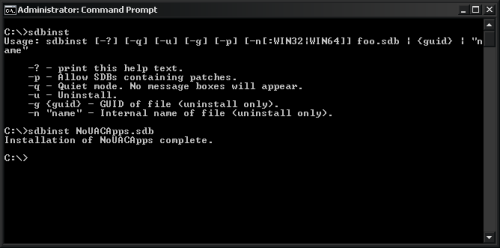
Fraps successfully runs now without UAC prompt, so I tried running World of Warcraft (which I launch with "Run Always as Administrator" as its updater does not work 100% perfect under Vista)... And Fraps didn't worked, i couldn't take any screenshot :(
The reason is that Fraps is running as a normal, unprivileged user, so it can't access the video memory and grab any screenshot. If I run Fraps with right-click -> Run As Administrator, it works again and takes screenshots ;)
So I had one additional step left to do, uninstall "the fix" (and later the Compatibility Toolkit):
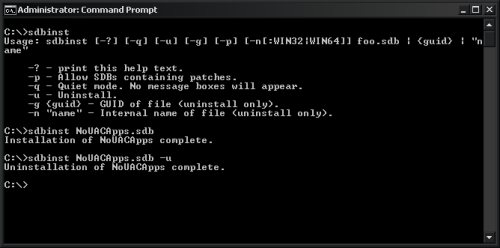
This KB may have some use, but not for me. I was hoping to have some sort of "auto-elevate privileges on desired apps" but seems I'll have to keep answering UAC prompts to play some games.
Update: Microsoft released the Application Compatibility Toolkit, that among other things contains a tool to keep a local database of applications that need auto-elevated privileges. Check this post for detailed instructions on how to use it.