Spending tons of hours ("too many" some friends say) during the week in front of laptops can be very very bad for your neck. You should always use a normal monitor to avoid "humpback"-like positions.
As I was starting to notice some small hurts in the neck somedays (specially weekends, after 5 days working), I bought a new monitor, and decided to use my old 17 as primary display for the laptop.
It worked fine, but I was sad to not use the laptop display... So I looked for a notebook cooler + docking base. The "cooling" part was not mandatory, but as long as it is quiet, it doesn't hurts.
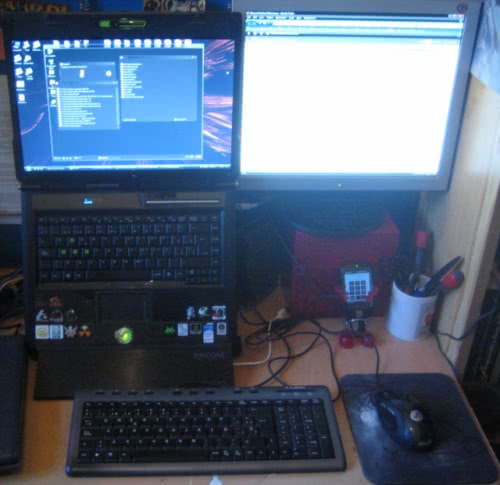
After buying one, now I've got the "development laptop" asi in the photo, and have attached a normal USB keyboard. I've got lots of space on the desk and finally use it's display without hurting my neck.
But... also I've discovered the marvelous world of "dual monitor displays"... And I only wish I had before :)
Having two displays speeds up production a lot... I can have Visual Studio on the left one and launch my apps on the right one (to debug without ALT+TABbing), or NUnit, or have the IM clients and conversations on the right... I can run Powerpoint presentations on the right, while reading the slide notes on the left, or watch a film meanwhile I VNC-control my server.
Just fantastic. If you can afford an extra monitor (they don't need to have the same resolution, I have 1440x900 + 1280x1024) just try it and you'll notice the difference.