Title: Coolest Firefox Extensions
Slug: coolest-firefox-extensions
Date: 2006-04-18 11:52:00
Author: Kartones
Lang: en
Tags: Tools
Description: A list of the top three Firefox extensions: IETab, AdBlock/Adblock Plus, and AdBlock FilterSet.G.
**UPDATE:** This post is quite old, but I do still use Firefox and [maintain an updated list of addons/extensions](https://blog.kartones.net/page/firefox-addons/).
I've been a Mozilla and later Firefox user since years, and I've used some
tools/extensions in both of them for some time.
But with time, one gets lazy and when formatting each 6 months more or less
(I hope some day we'll have a Windows that doesn't degrades performance with
time) made me drop some of them (exactly, all but the "must-have" ones).
So actually I only use 3 of them:
- IETab, which I've talked about previously.A Internet Explorer "tab" rendering inside Firefox
(great to stop using IE), with a "always render with IETab" list.
- AdBlock /
Adblock Plus: The final solution to website Ads. Right click on an image, choose
"AdBlock image" and press enter (or use "*" as wildcard to block entire
paths/urls). I prefer the plus version but either one has the same functionality
and works quite well.
- AdBlock FilterSet.G : Ok, if you're using AdBlock, why bother entering tons of ad
sites for the first time? This small extension downloads a great blacklist so
you have tons of work already done.
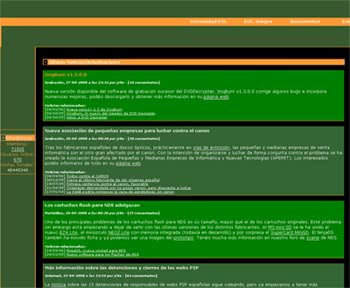
Here's a quick example of how AdBlock cleans your web surfing: